Overview
ARI includes a comprehensive theme system with 20+ built-in presets, and you can create your own themes as simple files. Pick a theme from Settings > Themes.
Built-In Themes
Choose your theme to customize the look and feel of your workspace. Themes range from minimal and clean to bold and colorful. Or you can build your own themes to match your corporate brand or personal style!


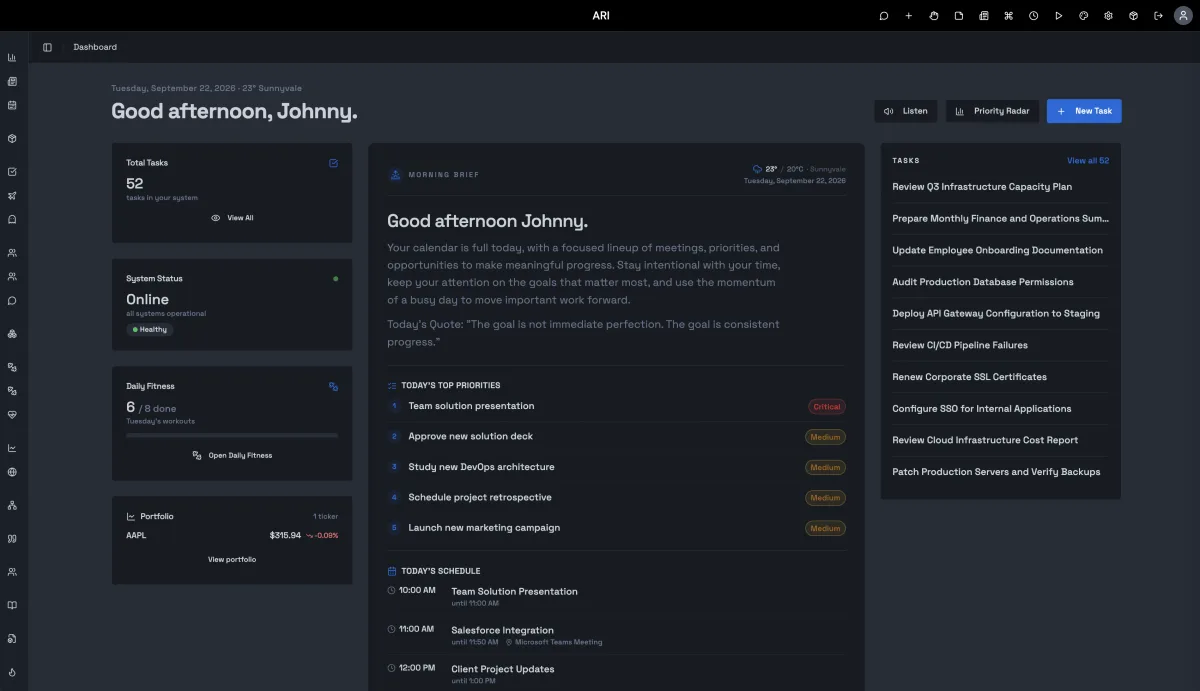
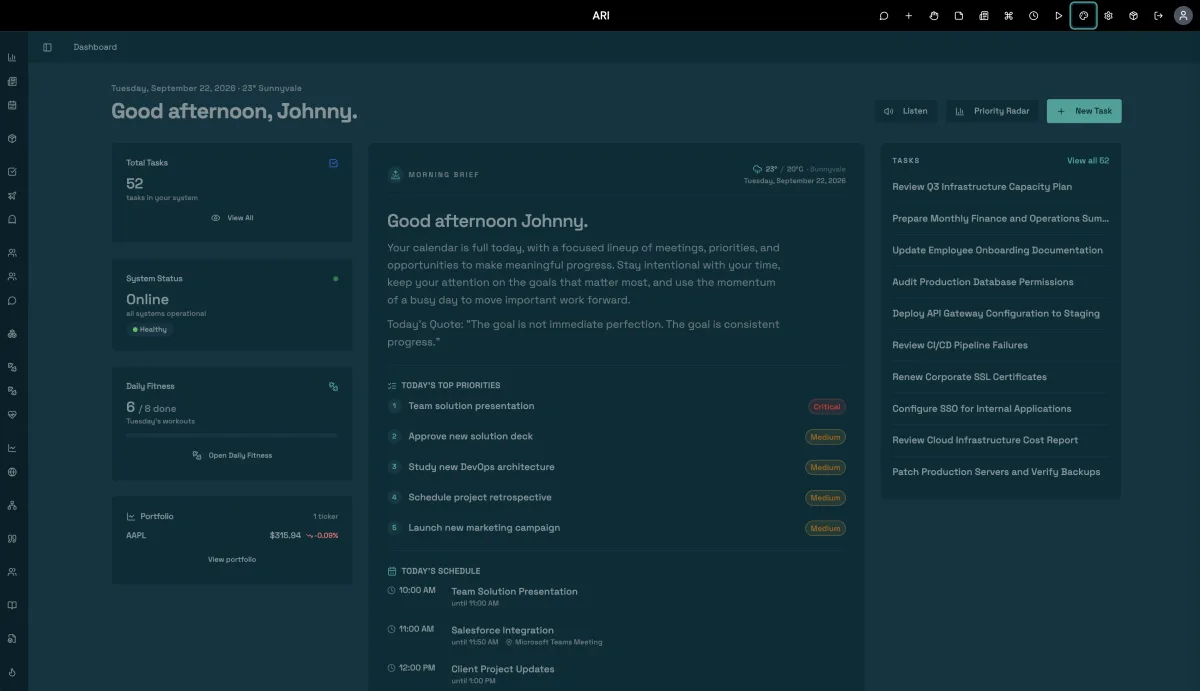
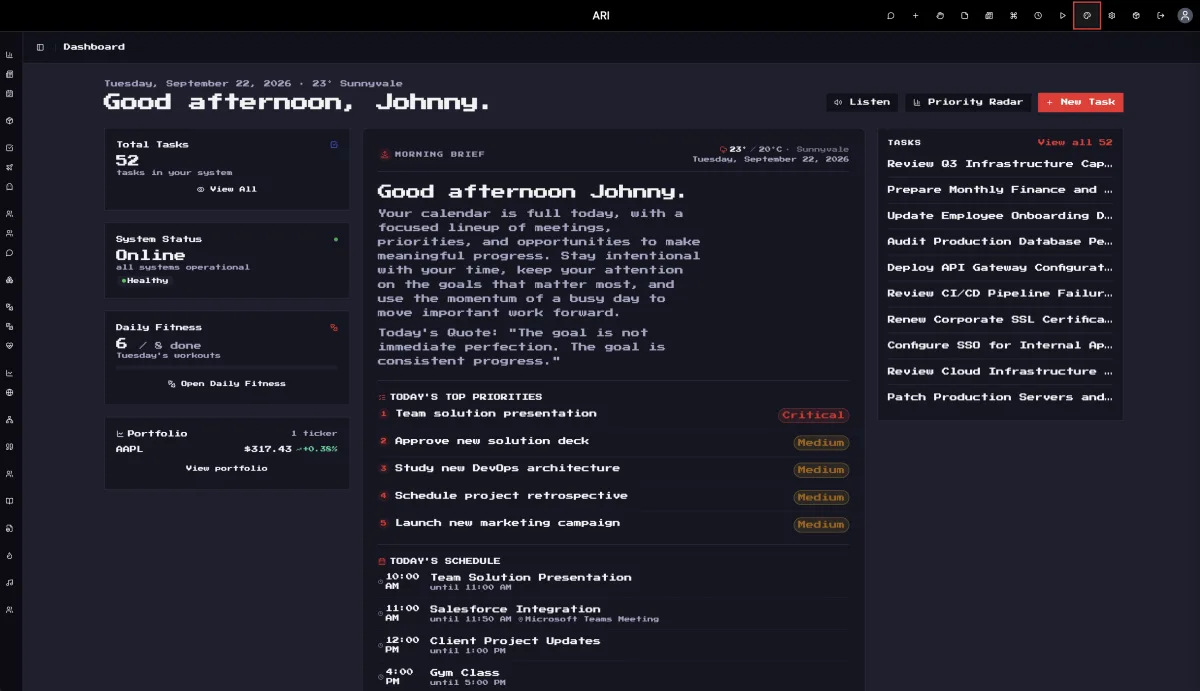


Creating Your Own Themes
Every ARI theme is just a small folder of files — no build tools, no registration, no coding required. Copy a built-in theme, change a few colors, restart ARI, and your creation appears in Settings > Themes right next to the originals. Match your corporate brand, recreate your favorite editor's palette, or design something entirely new.
Three steps:
- Copy a theme you like from the
themes-corefolder intothemes-custom— for example, duplicate thedarkfolder and rename itmy-theme. - Make it yours — open
theme.jsoninside your copy, set theidto your folder name, give it a displayname, and start playing with the colors. - Restart ARI — your theme is live and selectable like any other.
And it's built to be worry-free:
- Update-proof. Your themes live in
themes-custom, which ARI updates never touch. The built-in themes stay fresh inthemes-core. - Zero-risk tweaking. Want to adjust a built-in theme? Copy it into
themes-customkeeping the same id and your version takes over. Delete your copy and the original is back instantly. - Never breaks ARI. A theme file with a mistake in it is simply skipped until you fix it — your workspace always starts.
- Shareable. Themes are just folders. Drop one from a friend or colleague into
themes-custom, restart, done. - Room to go further. Themes can set their own font and size, and even ship extra CSS for background patterns and finishing touches — that's how the built-in Terminal and Grayscale themes get their signature looks.
The full theme format reference ships with ARI — see the README inside the themes-core folder, or just ask your AI assistant to design a theme for you.